· URLGate News

Sell access to a file with one link

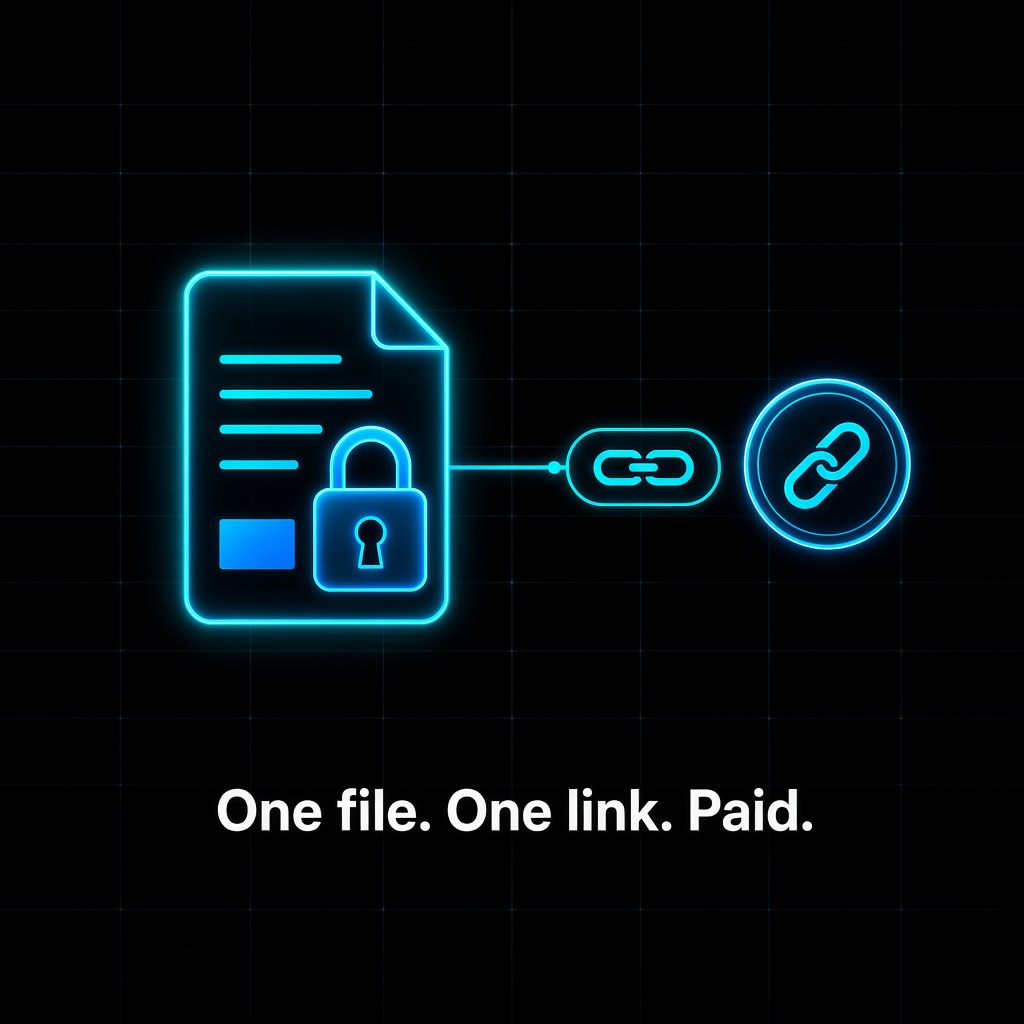
A glowing locked document icon on a dark grid connected to a shortlink and a coin, under the caption One file. One link. Paid.

Say you wrote a 20-page research report, built a spreadsheet template, or cleaned up a dataset. People ask for it, and you would like to charge a little. The usual path means picking a store, building a product page, and handling checkout. With Urlgate, the file stays where it already lives and the link does the selling.

The example

  1. Host the file. Put the PDF, template, or dataset anywhere that gives it a URL, such as your own site or a cloud folder link.
  2. Gate the URL. Sign in to urlgate.xyz with your wallet, paste the file's URL, and set a USDC price. New links start at 0.01 USDC by default.
  3. Share the shortlink. Post it in your newsletter, a reply thread, a community chat, or your link in bio.

What happens on a click

A reader who opens the shortlink sees a paywall card, pays in USDC, and is sent straight to the file. An AI agent that requests the same link gets an HTTP 402 response with the price, pays over x402, and receives the same access. One link serves both, and you do not manage accounts, license keys, or a customer list.

Tips for selling a file

  • Price for the impulse. A small price that matches the value of one file tends to beat a big one. You can change it later.
  • Say what is inside. Next to the link, add one line on what the buyer gets, such as page count, format, or the date the data was pulled.
  • One file per link. Separate links let you price a report and its raw data differently.

Creators who gate links also appear on the public leaderboard for future rewards.

Sell your first file at urlgate.xyz

Create a paid linkRead as markdown

For agents

Machine-readable summary for AI agents and their builders. Always trust the live 402 challenge and GET https://urlgate.xyz/api/v2/config over any number on this page.

Example (a 0.05 USDC link at 0.3%: 49850 units to the creator, 150 units to URLGate):

GET https://urlgate.xyz/Gp1qJx
Accept: application/json

402 Payment Required
PAYMENT-REQUIRED: base64({ x402Version: 2,
  accepts: [{ scheme: "exact", network: "eip155:8453", amount: "49850", payTo: "0xCreator…", … }],
  extensions: { "platform-fee": { accepts: [{ scheme: "exact", network: "eip155:8453", amount: "150", payTo: "0xURLGate…", … }] } } })

GET https://urlgate.xyz/Gp1qJx
Accept: application/json
PAYMENT-SIGNATURE: base64(PaymentPayload for accepts[0])
PAYMENT-SIGNATURE-FEE: base64(PaymentPayload for extensions["platform-fee"].accepts[0])

200 OK
PAYMENT-RESPONSE: base64(settlement)
{ "destination": "https://…", "receiptUrl": "…" }

FAQ

What is URLGate?

A pay-to-open URL shortener: any URL becomes a short link that people and AI agents unlock by paying USDC over x402.

What does HTTP 402 mean?

HTTP 402 is Payment Required. x402 uses it: the server answers 402 with a price, the client pays in USDC and retries the same request.

Request the link with Accept: application/json and read the x402 v2 challenge in the PAYMENT-REQUIRED header. Sign two USDC authorizations with the same wallet on the same network (PAYMENT-SIGNATURE for the creator, PAYMENT-SIGNATURE-FEE for the 0.3% platform fee) and send both in one retry. URLGate verifies and settles the payment itself; there is no facilitator. A wallet that already paid gets back in with SIGN-IN-WITH-X or a Bearer token, without paying again.

0.01 USDC on this host (the default is 0.01 USDC). The live value is in GET https://urlgate.xyz/api/v2/config.

Which networks does URLGate accept?

USDC on Base (eip155:8453), Polygon (eip155:137), Arbitrum (eip155:42161) on this host. The code supports Base, Base Sepolia, Polygon, Arbitrum. Read accepts[] in the 402, /.well-known/x402 or /api/v2/config for the current list.

The website create form is free. Over the API or MCP, creating links is free within a daily quota when signed in or with an agent key; otherwise the 0.01 USDC creation fee is charged via x402.

All news · RSS